
Sierra Chart - Image Gallery
This is the public chart image gallery. To share a chart image, select Edit >> Screen Images >> Upload Chart on the Sierra Chart menu to upload a chart. Select Help >> Account Management. Click on Manage Images. Locate the chart image among the images you have uploaded. Add a note to it if you wish. And click on Share Image in the Public Image Gallery. That's it!
Available Pages
View Image | View Image with the note
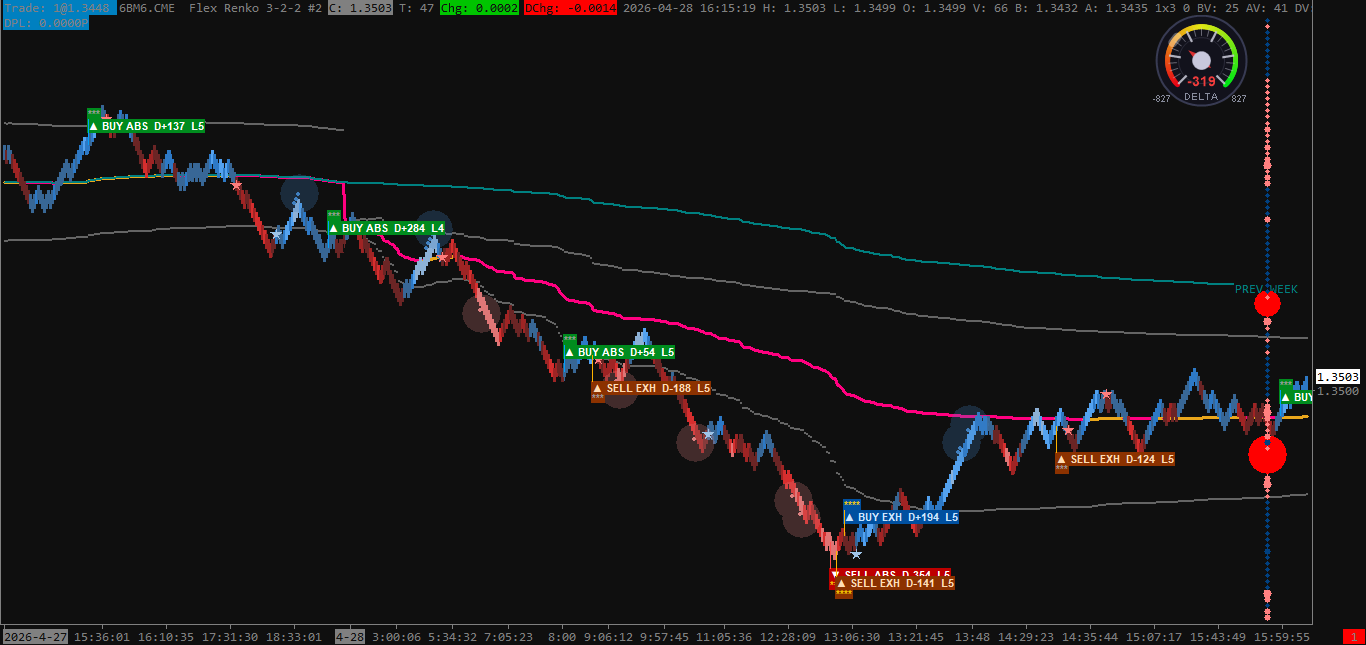
Image Uploaded on 2026-05-23 using SC version 2908 |
View Image | View Image with the note
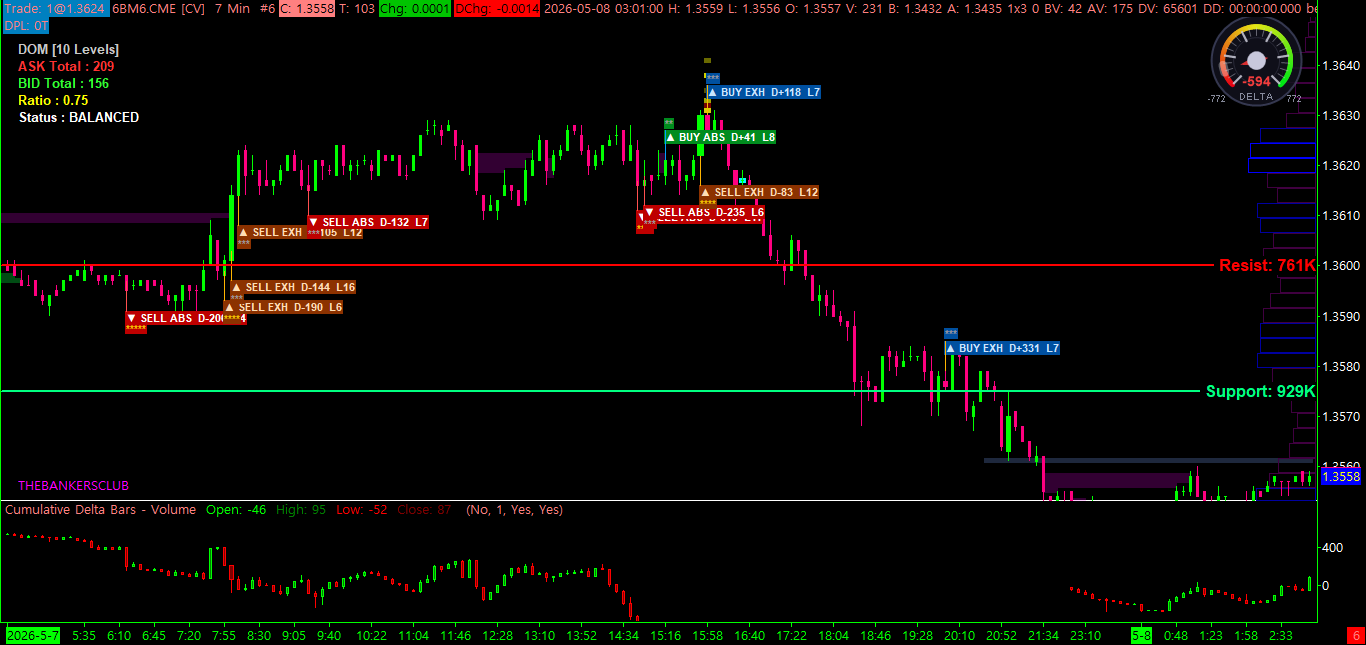
Image Uploaded on 2026-05-23 using SC version 2908 |
View Image | View Image with the note
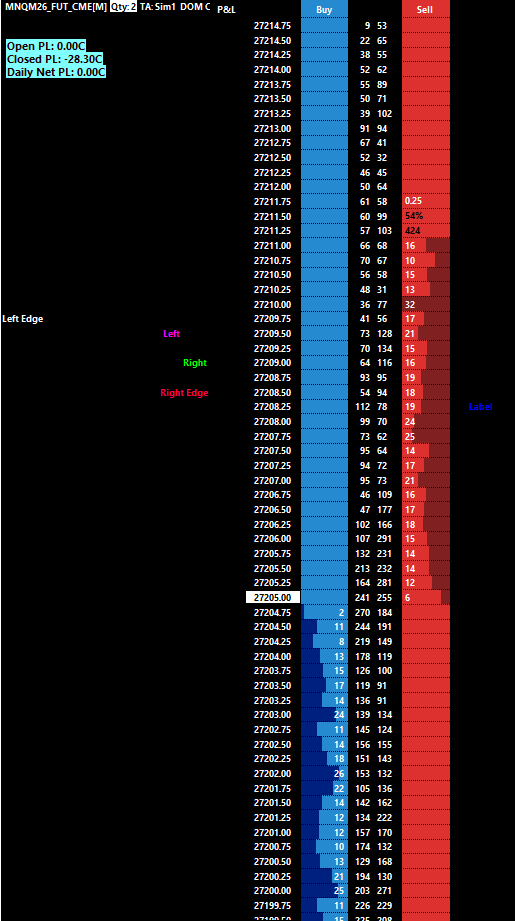
Image Uploaded on 2026-04-29 using SC version 2891 |
View Image | View Image with the note
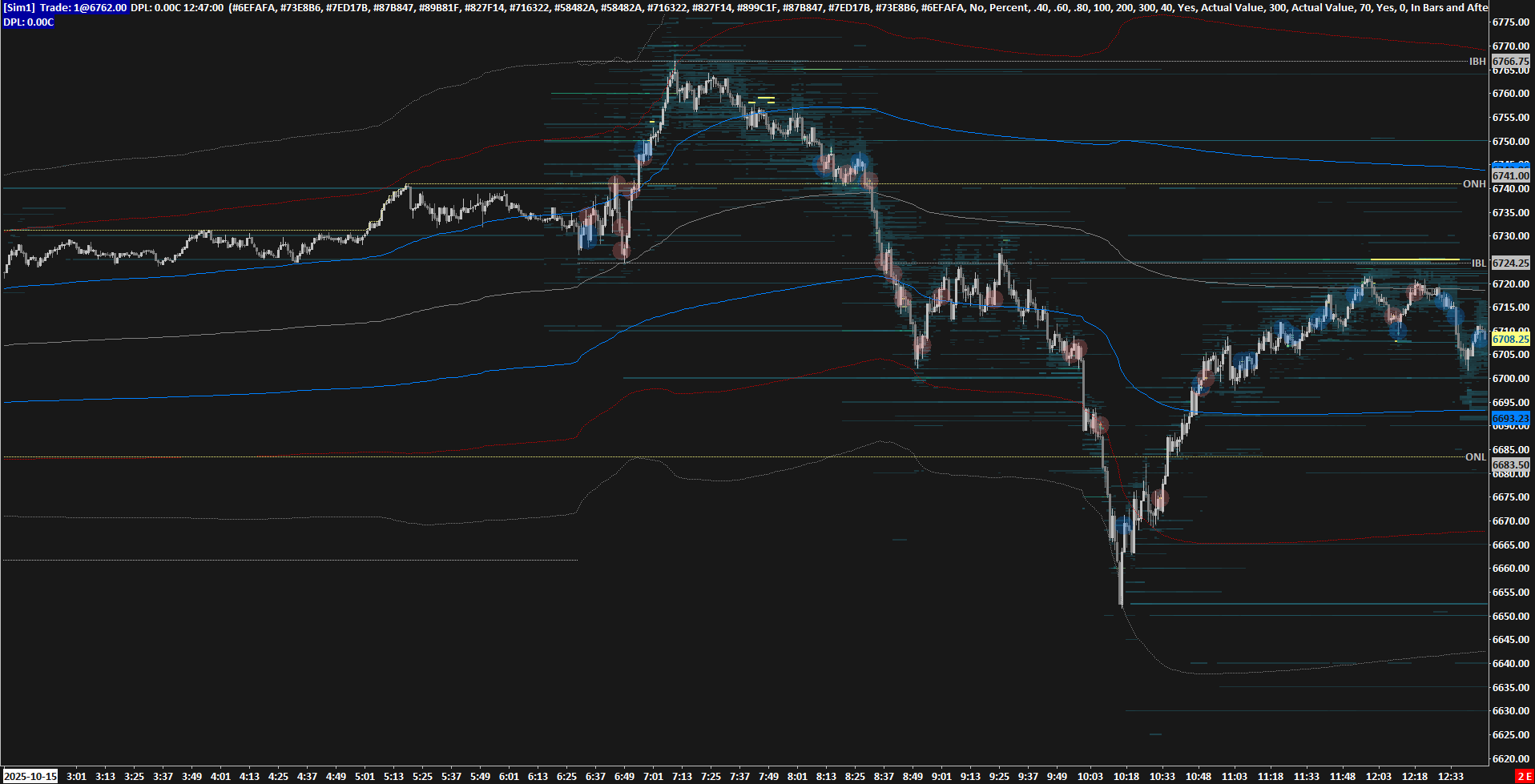
Image Uploaded on 2025-10-16 using SC version 2800 |
View Image | View Image with the note
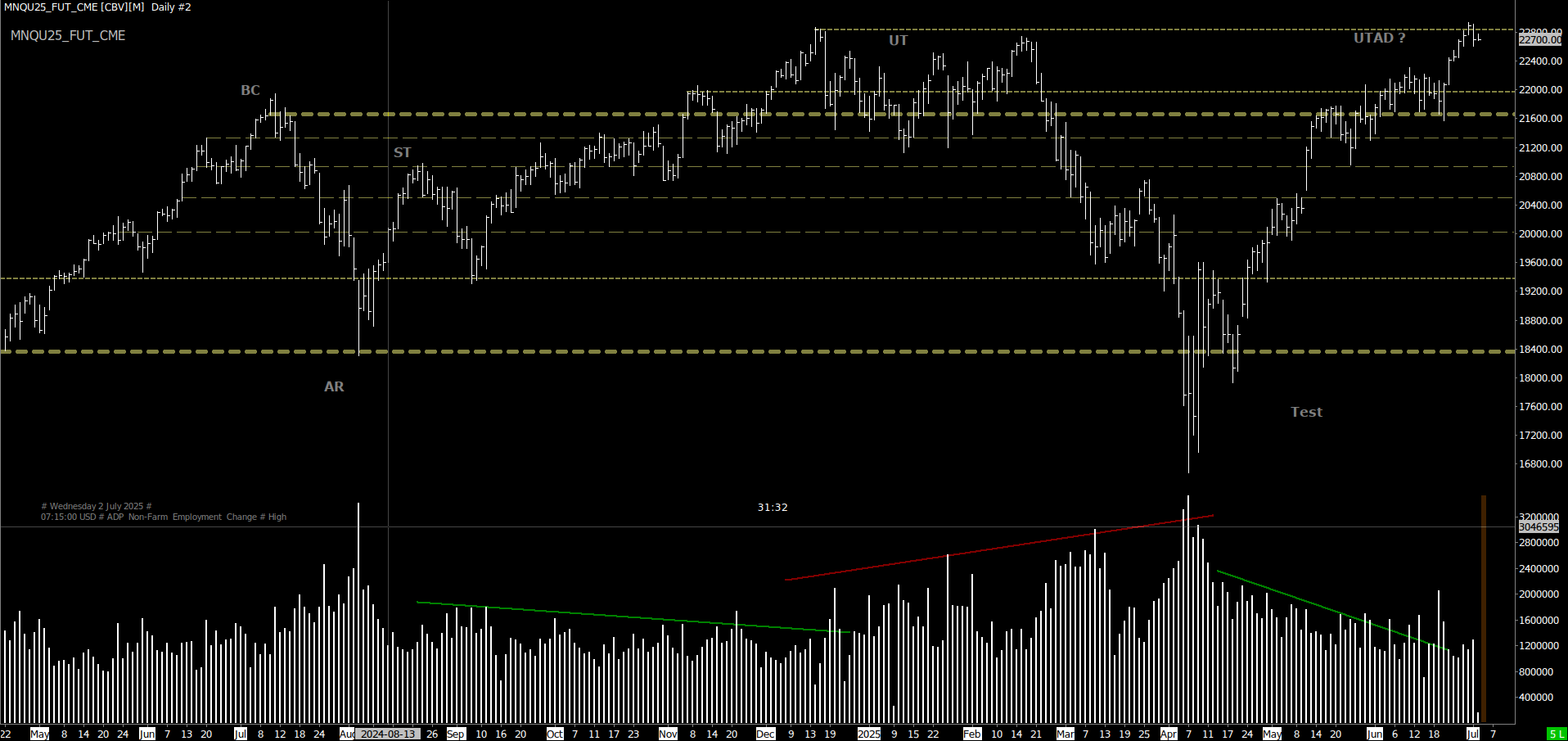
Image Uploaded on 2025-07-02 using SC version 2761 Note: MNQ Daily Chart - possible Wyckoff Range in Phase C |
View Image | View Image with the note
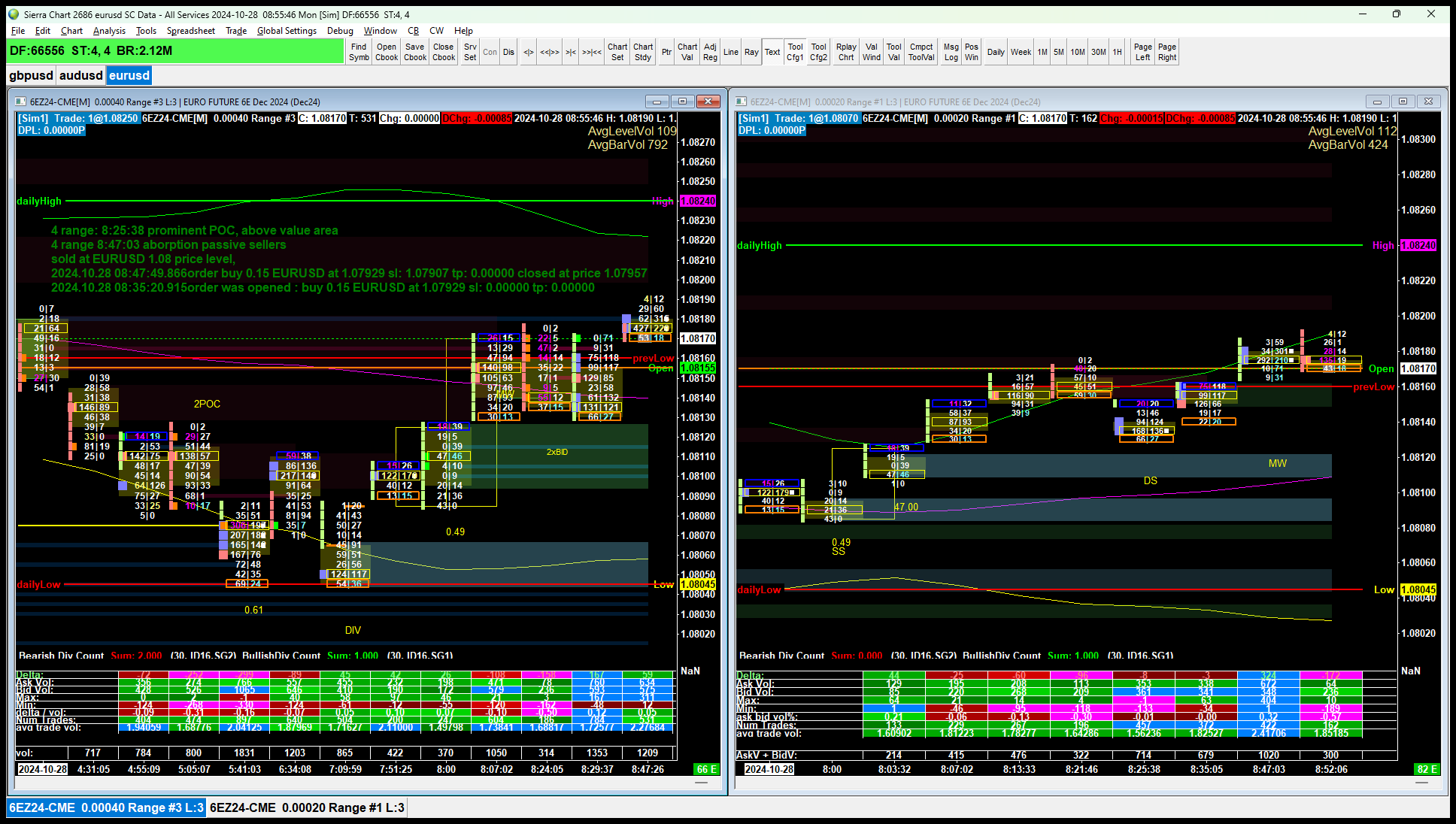
Image Uploaded on 2024-10-28 using SC version 2686 |
View Image | View Image with the note
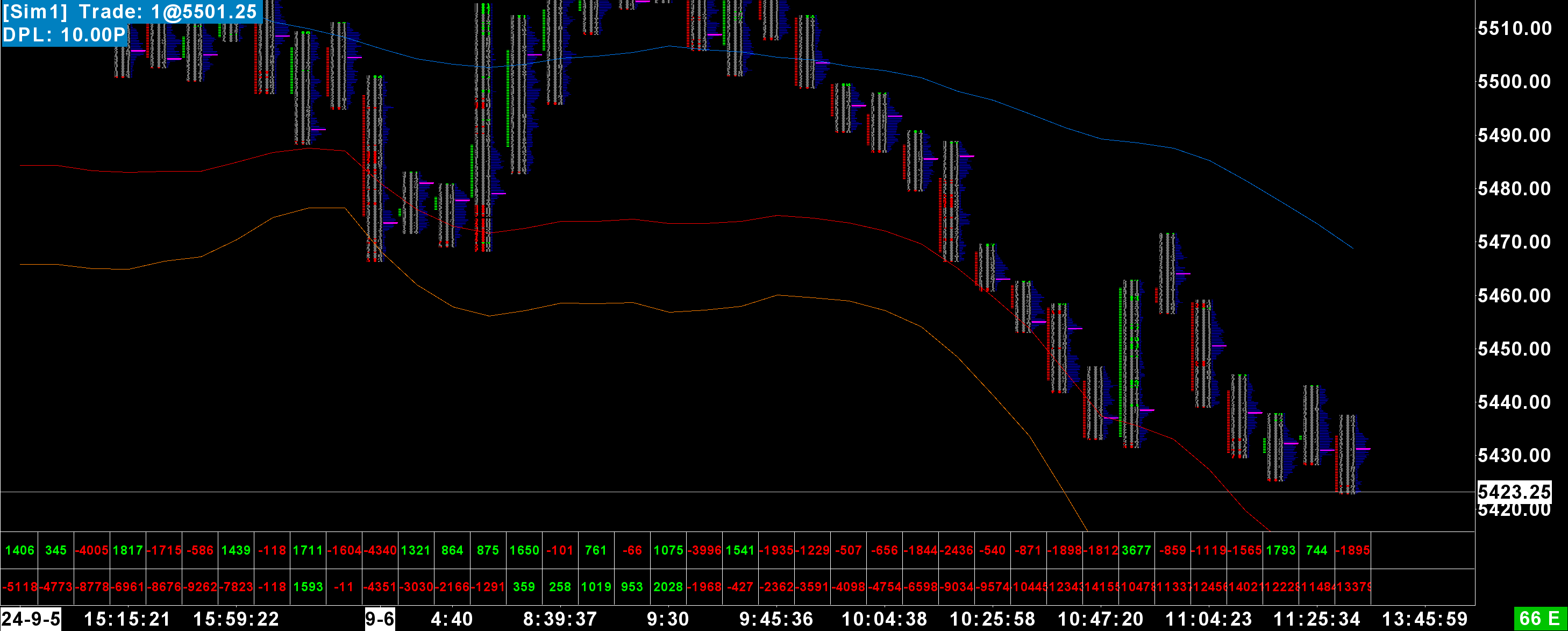
Image Uploaded on 2024-09-06 using SC version 2671 Note: Mostly same as my previous chart below, with bar volume profiles added and cleaned up a bit. |
View Image | View Image with the note
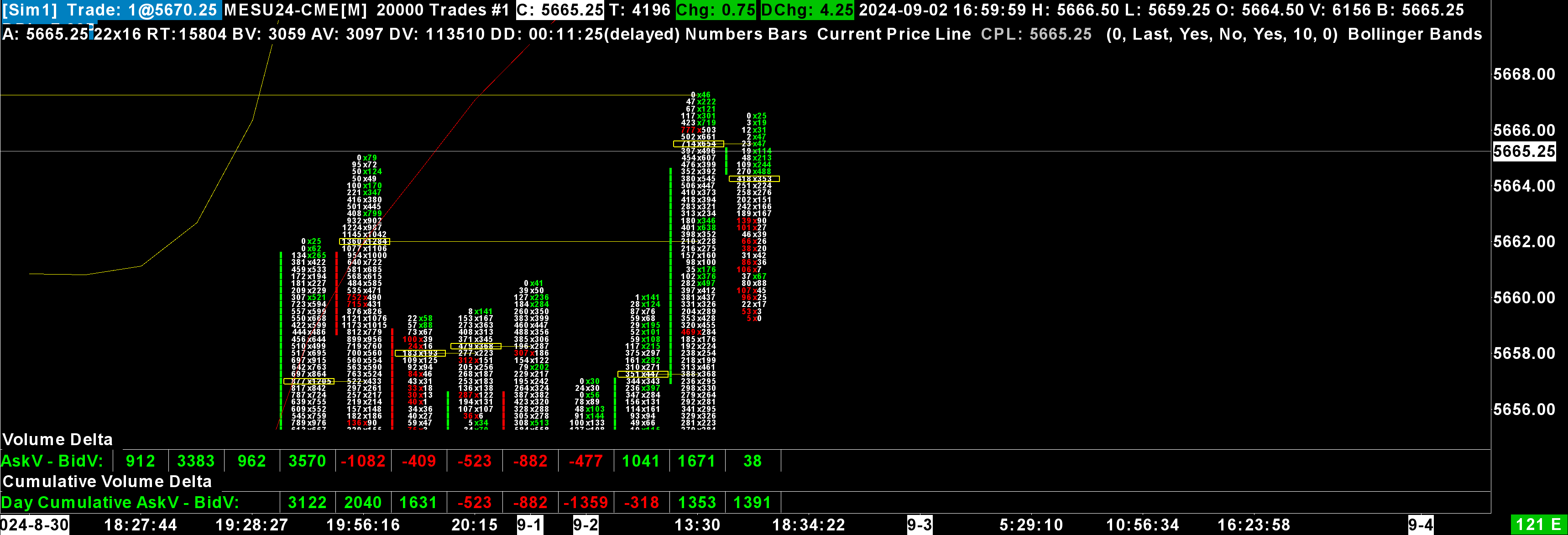
Image Uploaded on 2024-09-02 using SC version 2671 Note: Just another footprint chart with volume deltas, POC's, and BB's. |
View Image | View Image with the note
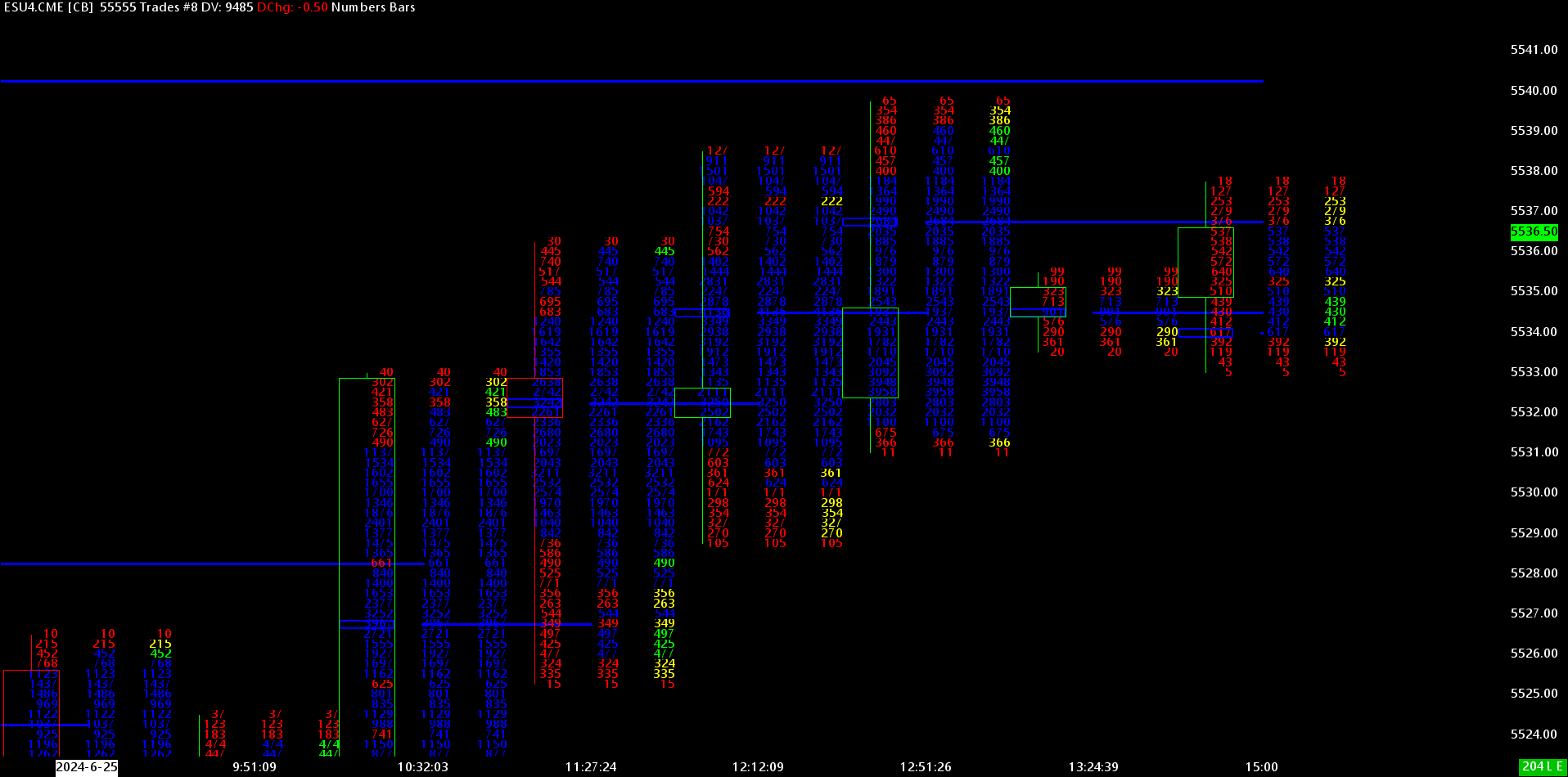
Image Uploaded on 2024-06-26 using SC version 2645 by This is not supported Note: Numbers Bars With 3 Columns |


Available Pages
*Last modified Wednesday, 22nd February, 2023.